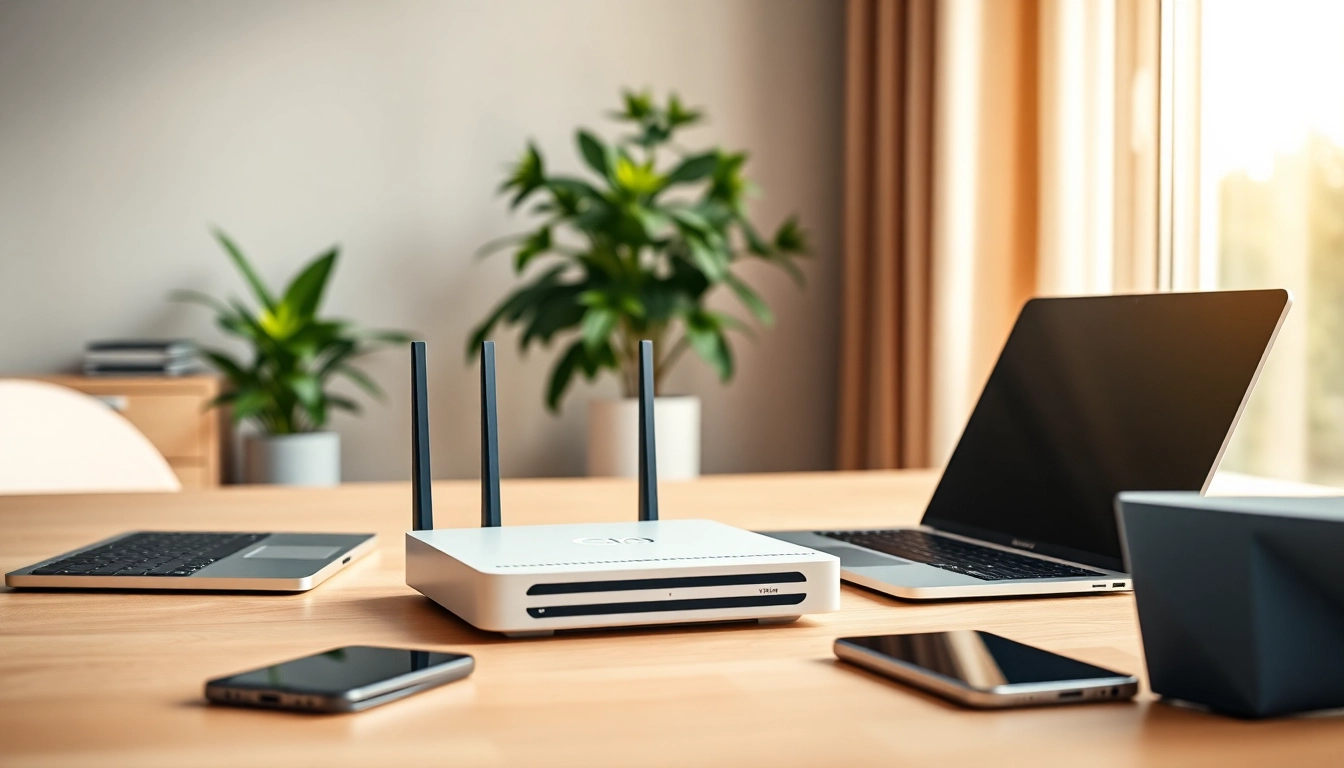
Understanding Pre Configured VPN Router Essentials
What is a Pre Configured VPN Router?
A pre configured vpn router is a specialized networking device designed to provide secure internet browsing by automatically connecting to a Virtual Private Network (VPN). Unlike standard routers, these devices come with a VPN service pre-installed and configured, which allows users to enjoy anonymity and enhanced security without the need for manual setup. This convenience is particularly beneficial for those who want a secure connection for multiple devices without the hassle of installing software on each one.
Benefits of Using a Pre Configured VPN Router
Investing in a pre configured VPN router offers several advantages:
- Secure Multiple Devices: All devices connected to the router, including smartphones, tablets, and smart home devices, can benefit from the VPN.
- Easy Setup: Users can avoid complex installation procedures, as these routers typically just require plugging in and connecting.
- Consistent Privacy: All online activities from connected devices remain encrypted and secure.
- Bypass Geo-Restrictions: Users can access region-locked content effortlessly since the router handles the VPN connection.
Key Features to Look For
When considering a pre configured VPN router, pay attention to the following features:
- Speed and Performance: Look for routers that support high-speed connections to maintain performance even with the VPN active.
- Compatibility: Ensure the router works with your preferred VPN service and supports various protocols.
- User-Friendly Interface: An intuitive web interface for managing settings can simplify the user experience.
- Advanced Security Protocols: Support for robust encryption standards like OpenVPN or IKEv2 is essential.
Setting Up Your Pre Configured VPN Router
Unboxing and Initial Setup Steps
Unboxing a pre configured VPN router typically reveals the router itself, an AC adapter, Ethernet cables, and a quick setup guide. Start by connecting the router to your modem using an Ethernet cable:
- Plug one end into the WAN port of the router.
- Connect the other end to your modem.
- Power on the router and wait for the status light to indicate it's ready.
Connecting Your Devices Securely
Once your router is set up, connecting devices is straightforward:
- Connect to your router's WiFi network using the default SSID and password found on the device or packaging.
- For a wired connection, use Ethernet cables to directly connect your devices to the LAN ports.
- You might need to log in to the router's interface for any necessary configuration, such as changing default settings or passwords.
Troubleshooting Common Issues
Users may encounter a few standard issues when setting up a pre configured VPN router. Here are some solutions:
- No Internet Connection: Ensure your modem is functioning properly and the cables are securely connected.
- Slow Speeds: Check if your VPN protocol settings can be optimized for better performance.
- Device Compatibility: Verify that your devices support the encryption standards used by the router.
Comparing Popular Pre Configured VPN Router Options
Top Features of Leading Models
When considering different models of pre configured VPN routers, key features may include:
- DUAL-BAND Support: Offers both 2.4GHz and 5GHz bands for optimized performance.
- Multiple VPN Protocols: Compatibility with various VPN protocols ensures flexibility and security.
- Parental Controls: Useful for families wanting to filter or restrict content.
- Advanced Routing Capabilities: Allows users to prioritize bandwidth for specific devices or services.
Price Points and Value Assessment
The price of pre configured VPN routers can vary widely based on features and brand reputation. Generally, users can expect to pay anywhere from $100 to $300. When assessing value, consider:
- Long-term savings on VPN subscriptions, as some models may offer introductory pricing or bundled services.
- The longevity of the device and whether it will require frequent replacements or upgrades.
- Customer support and warranty options that come with the router, contributing to the overall cost-effectiveness.
User Reviews and Feedback
User reviews often provide insights into the real-world performance of pre configured VPN routers. Look for feedback on the following:
- Ease of setup and configuration process.
- Effectiveness and reliability of the VPN connection.
- Customer support responsiveness for troubleshooting.
- User experiences regarding speed retention while connected to the VPN.
Maintaining Your Pre Configured VPN Router
Regular Updates and Security Practices
To keep your VPN router running smoothly, implement these practices:
- Frequent Firmware Updates: Regularly check for updates from the manufacturer to patch security vulnerabilities.
- Change Default Login Credentials: Modify the router's admin password upon initial setup to protect against unauthorized access.
- Monitor Connected Devices: Periodically review what devices are connected to your network to spot any anomalies.
Expansion Options and Upgrades
Consider the following when thinking about expansion and upgrades:
- Mesh Network Compatibility: Some routers can operate within a mesh network to extend coverage area.
- USB Ports: If your router has USB ports, you can connect external storage for network sharing or media serving.
- Upgrading Antennas: If hardware allows, stronger antennas can improve range and signal quality.
Optimal Settings for Performance
Configuring optimal settings can significantly enhance the operation of your VPN router:
- Quality of Service (QoS): Adjust QoS settings to prioritize bandwidth for the most critical devices or services.
- Selecting the Right VPN Protocol: Using faster protocols like IKEv2 can deliver better performance.
- Adjust Frequency Band: Test both 2.4GHz and 5GHz bands to find which provides better speed and reliability in your environment.
FAQs About Pre Configured VPN Routers
How Does a Pre Configured VPN Router Work?
A pre configured VPN router works by routing your internet traffic through an encrypted tunnel established by a VPN service, protecting your data from potential exposure.
Can I Use My Existing VPN with a Pre Configured Router?
Yes, many pre configured routers allow you to input your existing VPN service credentials if the router supports the necessary protocols.
Will a VPN Router Affect Internet Speed?
Using a VPN can lead to a slight reduction in speed due to the encryption process; however, quality routers minimize this impact.
Is a Subscription Required for VPN Routers?
A subscription is typically needed for a VPN service that the router connects to. Some routers come with limited free trials.
What Warranty Options Are Available with VPN Routers?
Most manufacturers offer warranties that may range from one year to lifetime support, depending on the specific model and brand policies.